

A DOIO KB16 Story

Introduction
Recently I acquired a DOIO KB16 programmable macro pad, also known as the Megalodon KB16. I am not a hardware reviewer, but I have to say initial impressions are very good. The acrylic body and aluminium top are nicely machined, the 3 rotary encoders have good resistance and the 16 mechanical keys feel quite to my taste. The rainbow backlight pattern isn’t to my taste, but luckily that is easy to change. The 128x32px OLED displays the current function layer clearly.
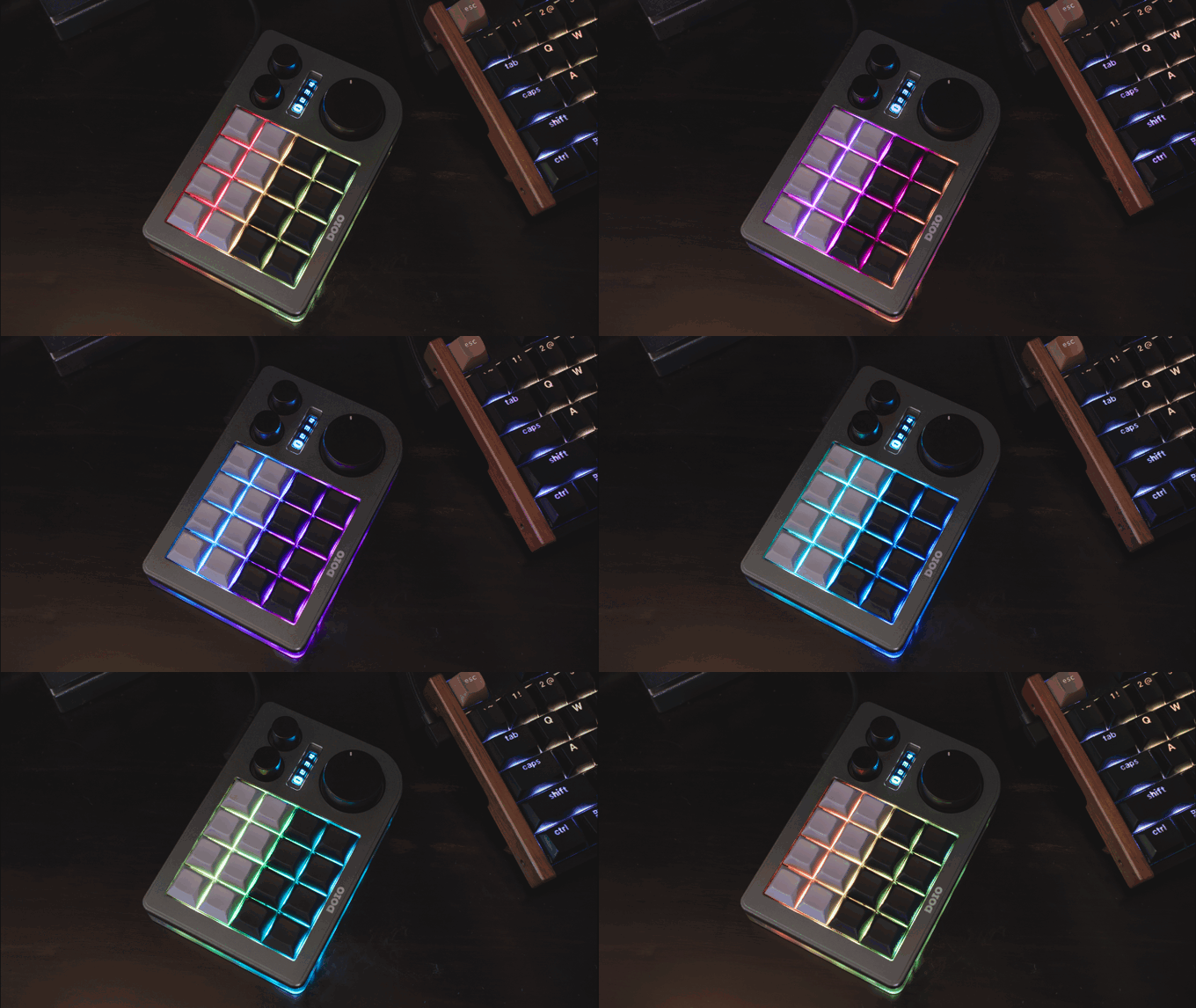
The standard VIA firmware is fine and easy to edit with an online tool. The standard 4 control layers are also fine, although it can be increased to up to 32 with a custom firmware setup. However, it has, in my opinion, a glaring issue.
Small Problem Though
As a user of more recent graphics tablets, I am used to having a controller with multiple functions per application. Wacom’s Intuos 5, for instance, has a touch wheel with a button in the middle that switches between 4 cw/ccw functions, indicated by a light and an OSD call out.
The KB16 has no comparable functionality. Each layer only exposes a fixed encoder behavior, which felt rather limiting.
And so down the rabbit hole I went.
What I wanted to achieve is this. The big rotary encoder should have up to 4 cw/ccw modes. Pushing the big encoder should cycle through the modes. I wanted an indicator for what mode the big encoder was in. The firmware also needed to switch what the encoder does depending on the active application.
I did not want to hard code all the encoder functions into the firmware as that would mean flashing new firmware for each change. So the functions would have to be assigned dynamically each time I switch applications.
I’ll introduce you to the firmware functions first.
The Firmware
To not lose the capability of editing all the functions per layer except for the big rotary encoder, I started this project with a basic QMK firmware fork with Vial-specific features provided on Github.
The encoder commands are stored in a 2D array. It stores the 4 modes with 4 commands each; cw and ccw commands plus a modifier key for each direction. At this point, only one modifier is supported, but I can easily expand that if need be. When pressing the encoder, it assigns the respective commands to the respective direction, registering the modifier if present.
As a way to indicate what mode the encoder is in, one key in the bottom row of the keyboard lights up from top to bottom (I use the KB16 in a vertical orientation). Empty modes are skipped.
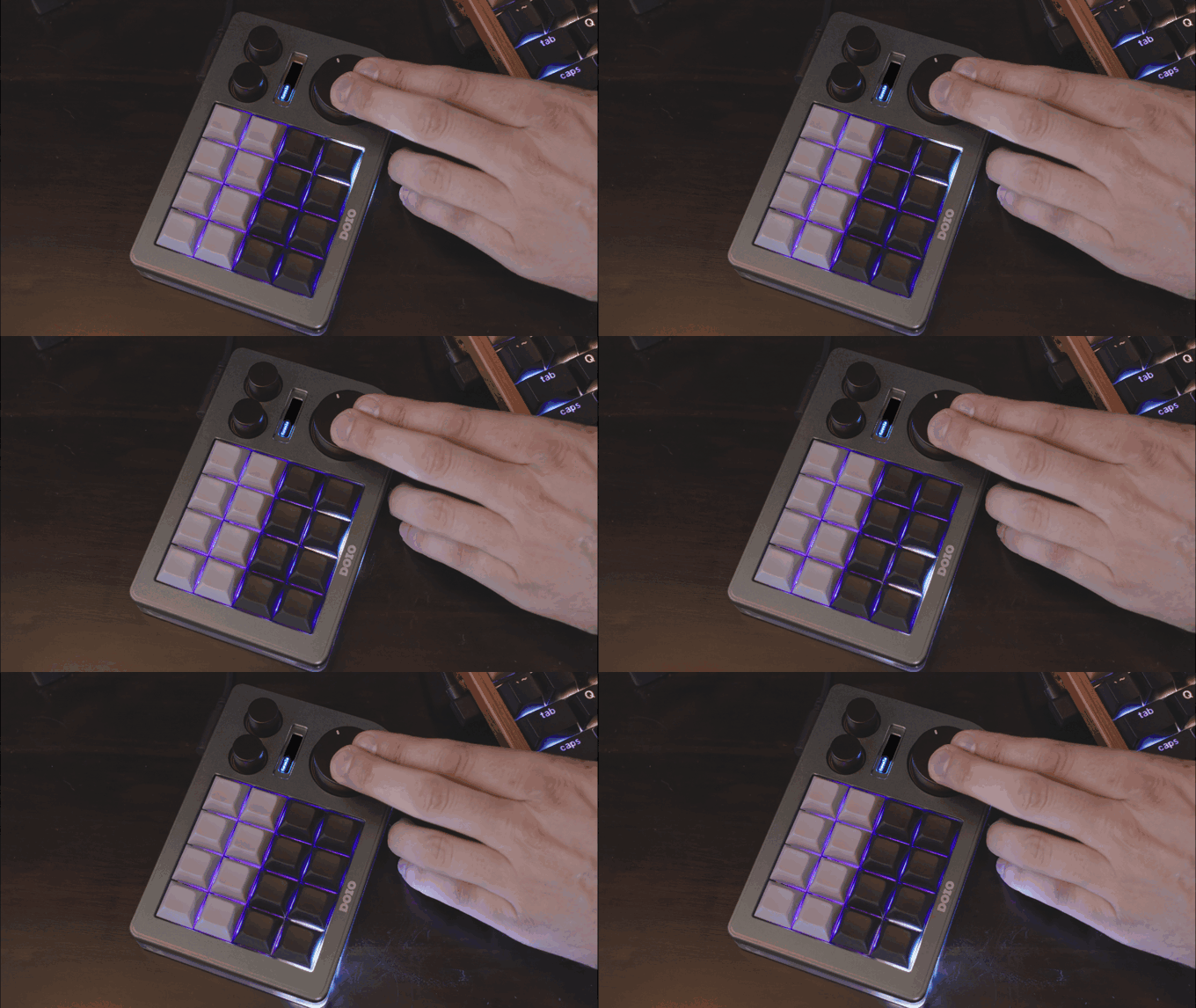
The firmware still has all the vial functionality where I can define what all the keys do per layer. I have set the max layer amount to 12. That should probably be enough. The functions for the big encoder is of course blocked by the firmware.
So far, so easy. But where should the commands commands come from if they are not stored directly in the firmware?
KWin to the Rescue
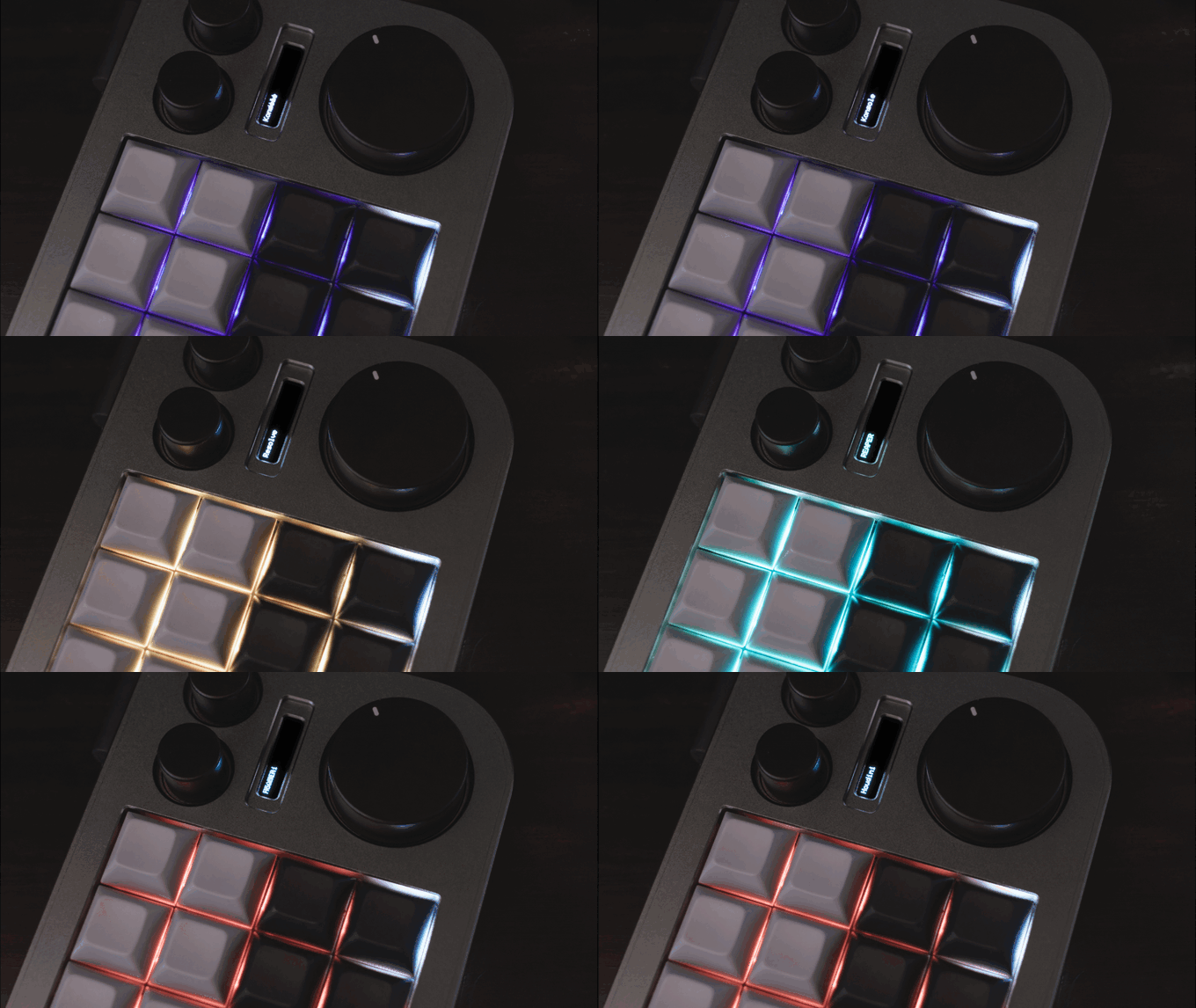
I needed a way to send the KB16 several data points: the 4 set of commands depending on the active window, the layer number depending on the active window, RGB values for a layer and the app name of the app.
The bridge between the apps and the KB16 is a KWin plugin. Whenever the active window changes, it sends the appropriate configuration to the KB16. The information to be sent is stored in a config.json file.
In that file I store the KDE classID as the identifier. Each entry can have settings for layer, commands, RGB values and custom app name. If there is no entry, the plugin has default fallback values.
The plugin gets the app name from the .desktop entry if nothing is specified in the config file, which is then put on the KB16 OLED.
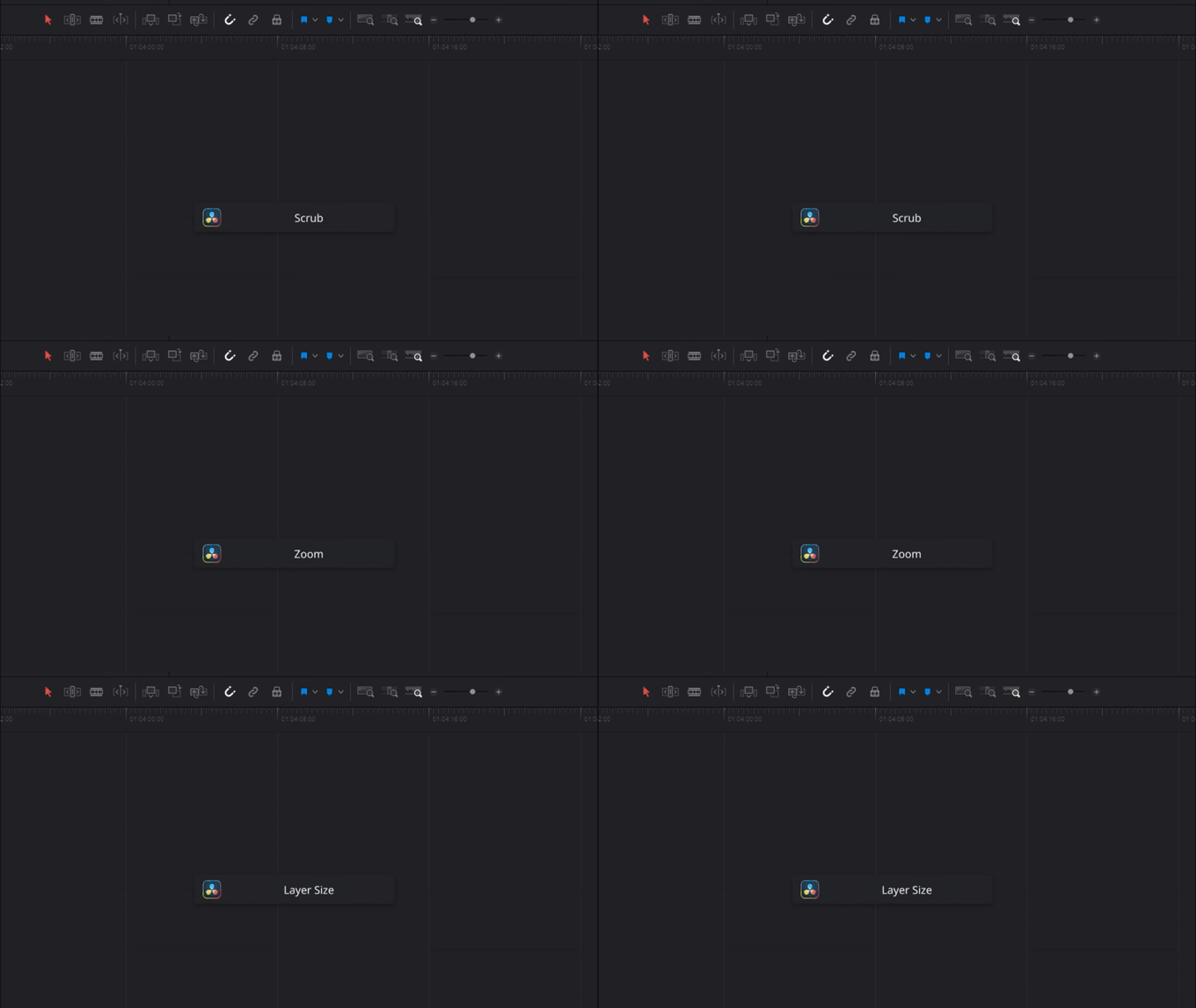
A feature that I am used to was still missing. When the KB switches encoder modes, it sends a signal to the plugin to display the mode name (declared in the config file) as an KDE OSD call out.
I may end up changing the OSD text to the encoder mode. Seems a bit more useful. But this is fine for now.
To round things off, I wanted to have a bit of fun. Since I was already parsing the .desktop entry of an app, I decided to grab the path to the icon from there and send that to the KDE OSD, along with the encoder mode name.
The KB16 now behaves much more like a dynamic workflow controller, while still retaining the capability of Vial key mapping. The firmware is solid and the communication with the KWin plugin is stable. And it was quite fun to create it.
Full disclosure: the firmware I wrote myself. For the KWin plugin I needed AI assistance as I had no idea how to create one.
Update August 2, 2026
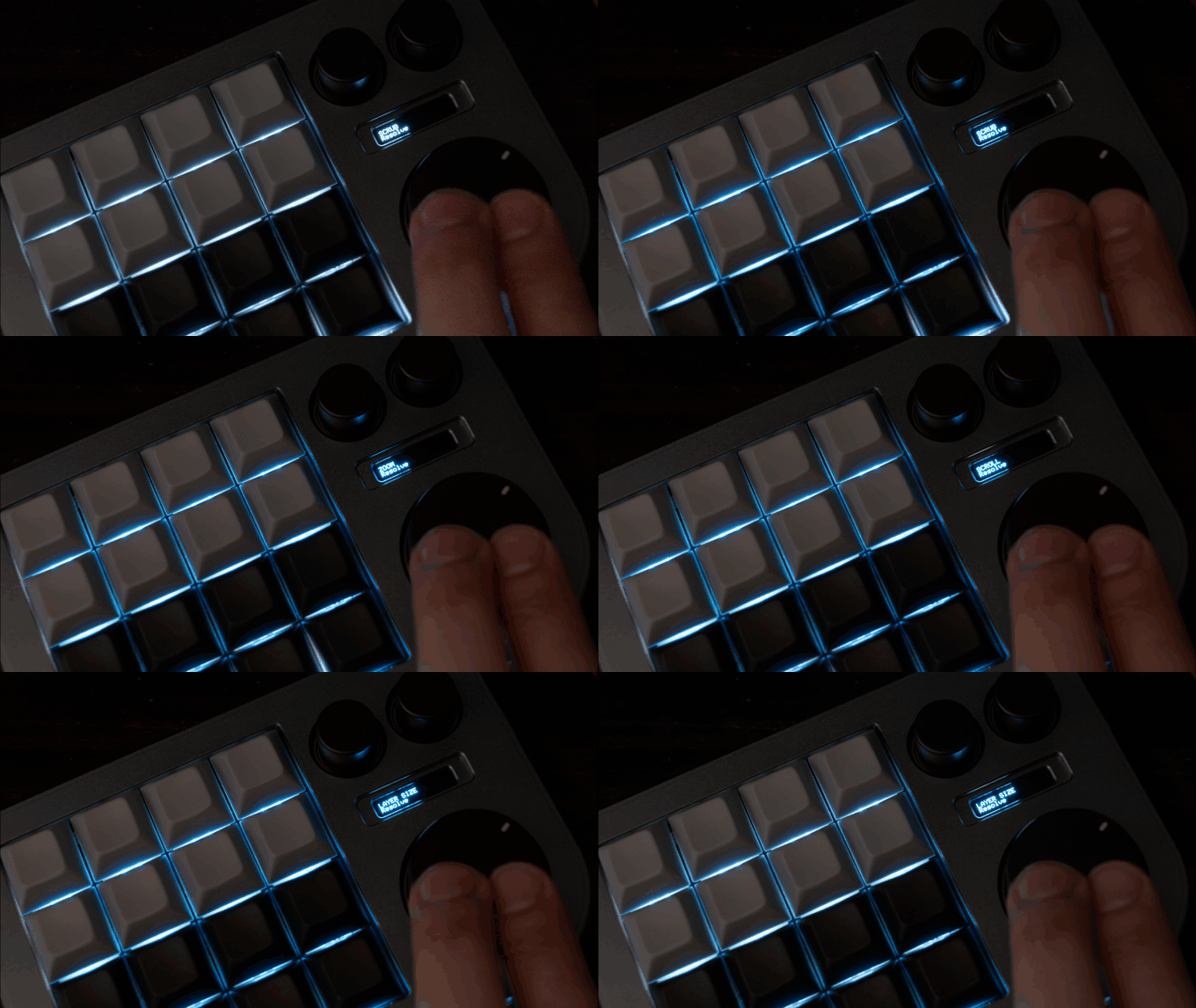
After working with the board for a bit, I realized that it would be better to have the function name printed on the OLED. I separated it from the application name by making it upper case. The firmware takes care of the case shifting so that the KDE OSD call outs are not SHOUTING AT ME!
I had also added a ping/pong routine between the KB16 and the host service to detect when the two have lost connection. In that case, the keyboard turns white and the OSD informs of a missing host.
However, because I keep the HID open, I can’t connect to the board on vial.rocks anymore to edit the keyboard functions.
It’s not elegant, but my temporary solution is to disable the host service with a key combination if I want to edit the keyboard. And then enable the service again when I’m done.
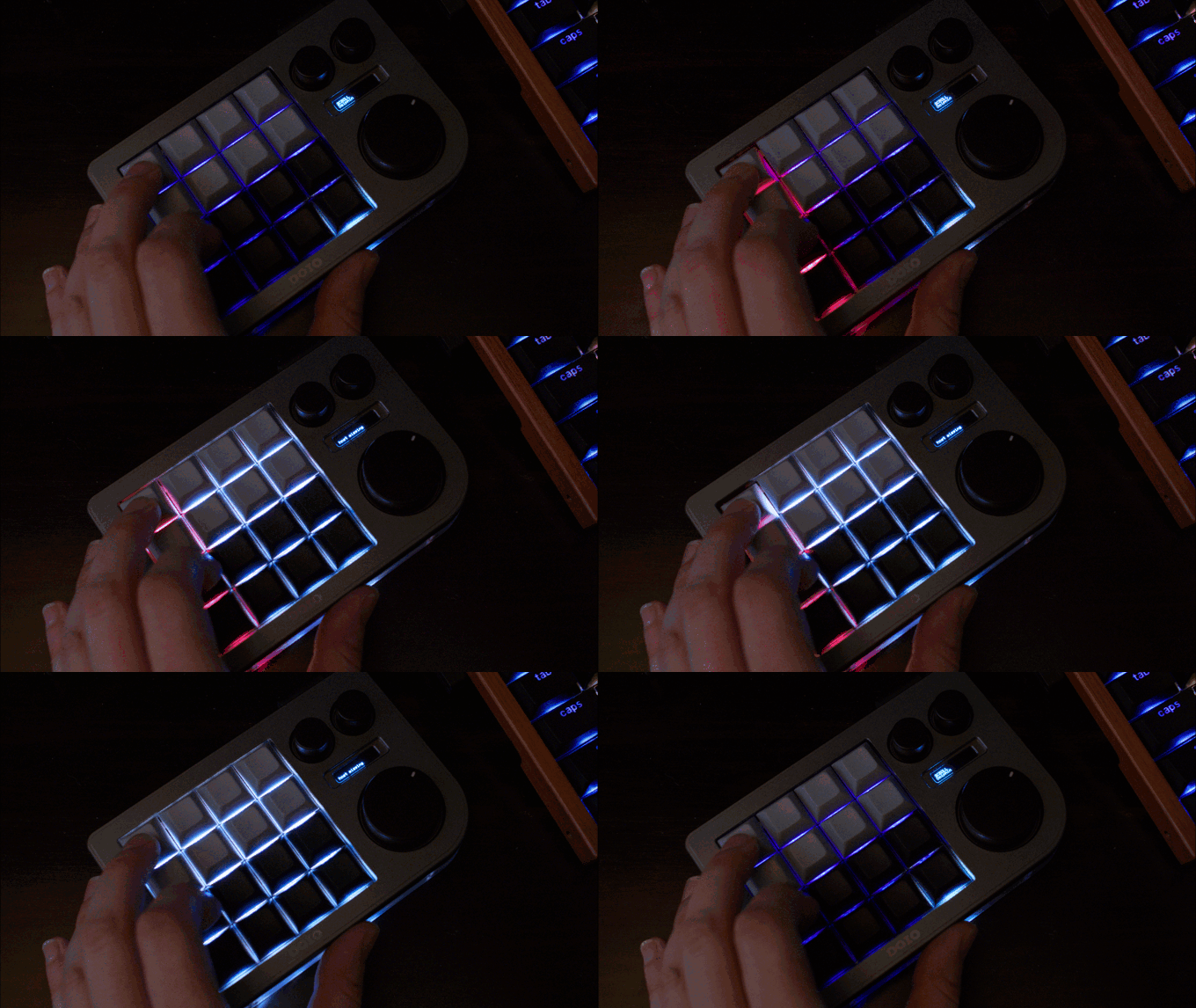
This work around is a bit clumsy, but I don’t edit the functions very often so it’s ok for now.
What’s Next
The next planned step is to make a UI editor for the config file where I can add apps and customize all the values as needed. That’s v1 of the editor. In v2 I would love to be able to add the vial functions to make editing more streamlined.
Also, the OLED font could be a bit bigger. But it works fine for now.
If there is any interest, I will gladly provide the source code to all of this.